
Quick Way to Paginate Court Documents

Manually numbering or paginating court documents is a time consuming and laborious task. However, with Bundledocs legal software this is a thing of the past.
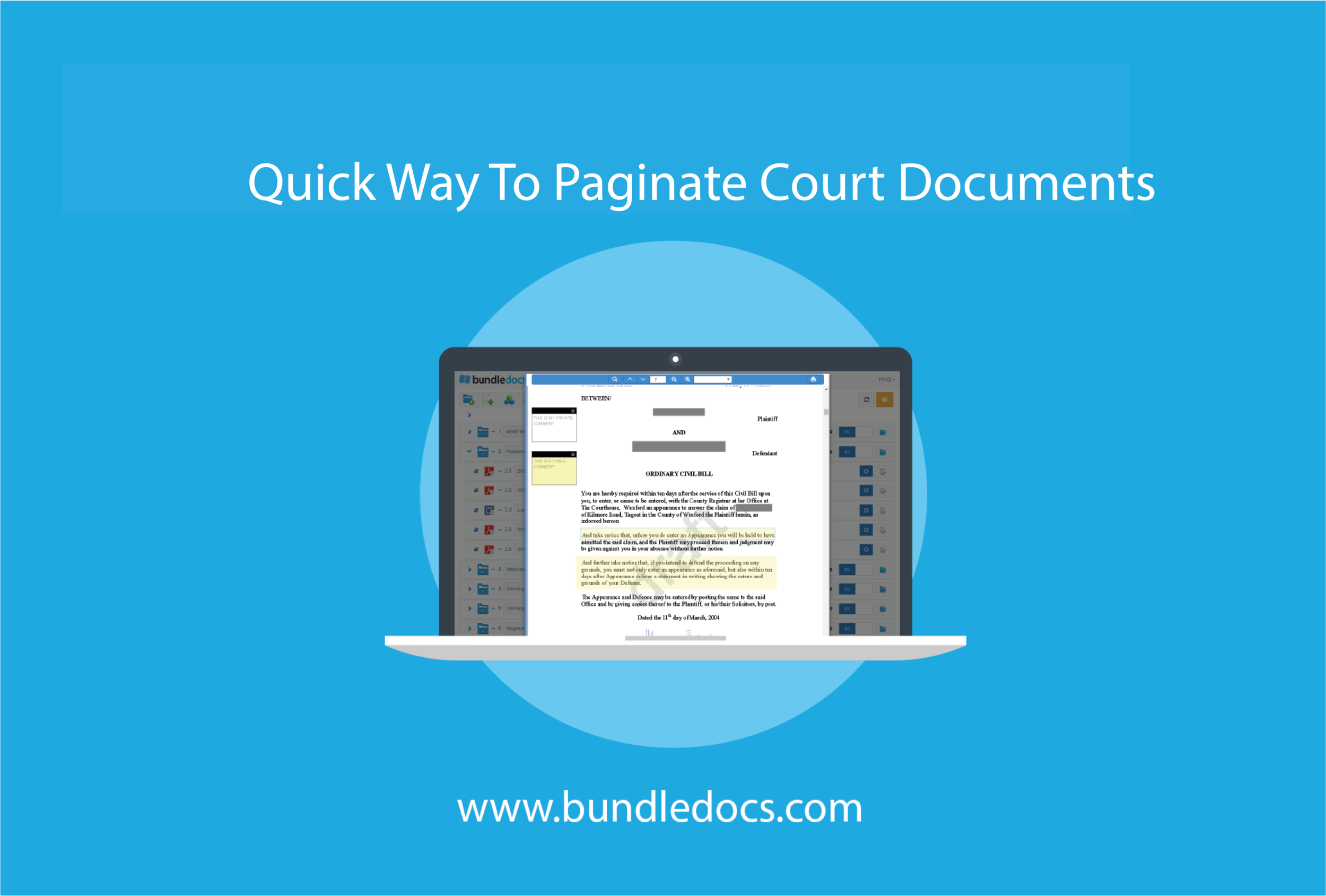
Quick_Way_To_Paginate_Court_Documents_Automatically_Bundledocs.png

How can Bundledocs help?

Bundledocs software is specifically designed to automate the task of paginating documents. Our software superimposes page numbers on your documents so you don’t have to. The best part? If you make any changes to your court documents, you simply press a button and your documents will be automatically re-paginated. Simple.

If you need to paginate court documents quickly and easy then you need Bundledocs. Pagination is done with a single click. Don’t believe us? Check out our ‘How to Paginate Court Documents’ video and see for yourself.

Need to paginate court documents, here’s what you need to do:

  1. Create your Bundle

  2. Add Sections

  3. Add Documents (and arrange with drag/drop if needed)

  4. Press Generate

  5. Download

With a single click your bundle is instantly paginated and numbered. Your bundle is instantly available to download. All your documents are merged into a single PDF file, an index page is created for you and each page of your bundle are automatically numbered and paginated. What’s more you can quickly and easily make changes if needed.

Learn more About Paginating Court Documents


Customise Numbering Options

With Bundledocs, users have the ability to customise how they want their numbering to appear. There are a number of Page Numbering options available, including:

  •     Where you want your numbering to appear - Placed at the top or bottom of the page

  •     Choose a position within the page - At the right, center or left of the page

  •     Re-start Page numbering at the beginning of each section

Our page numbering can be as simple or as complex as you wish. Some of our clients require a Bates Numbering option and using Bundledocs they can specify where they want the numbering to start, the length/ number of characters, the bates prefix and the bates suffix. 

With Bundledocs, Paginating court documents has never been easier learn more about Bundledocs document pagination today.

Paginate Court Documents - Free Trial

Technology's Transformation of the Legal Field

Robert Half Legal has recently released their report, entitled ‘Future Law Office: Technology’s Transformation of the Legal Field’. The report discuses “how technological innovations have impacted and will continue to impact the practice of law, the management of law firms and corporate legal departments, as well as the relationships between legal counsel and their clients.”

The report highlighted an observation by attorney and author of the LawSites blog, Robert J. Ambrogi. Writing about technology and the legal field, he previously stated, “it is not so much that technology has imposed itself on lawyers, as that changes in the demands of law practice have required new solutions.”

As the report highlights law firms are adopting new technologies in order to increase efficiency, competitiveness and lower costs. For Bundledocs users, adopting legal bundling software within their firms has seen considerable benefits. When discussing Bundledocs, Ronan Kennedy of Kennedy Frewen O’Sullivan stated, “I created a bundle in two hours the old way, then I did it again using Bundledocs, it took only twenty minutes. This process takes all the pain out of ensuring that bundles are created on time, and are paginated properly. It simplified a time consuming task that used to require too much manpower and supervision.”


What new technologies has your firm adopted?  Have you seen any benefits?


Download Report: ‘Future Law Office: Technology’s Transformation of the Legal Field


Find Out More About Bundledocs

Bundledocs Step by Step Help Guide

Have you logged into your Bundledocs account recently? A lot has been happening.

At Bundledocs, we are continually evolving our product to benefit our users. In addition to some recently added features, we have also developed a Step-by-Step Page Guide to help users easily create their legal bundles.

Bundledocs_StepByStepGuide_2.jpg

So, how do I use the Step-by-Step Guide?

Our guide is easy to use. Firstly, users should login to their Bundledocs account at https://app.bundledocs.com/ and enter their unique username and password.

To reveal the Step-by-Step guide, click on the ‘Page Guide’ icon. All information relating to the steps will be displayed in the grey bar, at the bottom of the screen.

Users can easily navigate through the steps by either clicking on the numbers or using the navigational arrows within the grey bar.

If at any point you do not require the guide, simply click on the ‘Page Guide’ icon or click ‘Close’ on the grey box, at the bottom of the page.

Our new Step-by-Step guide has been designed to help our users easily create the perfect bundle. However, if you require any additional help, please do not hesitate to contact us via our email or by calling +353 (0)21 482 6320.

Want to chat to our team now? Why not try our new Live Chat feature.

Find Out More About Bundledocs

Bundledocs Live Chat

We have just launched our new ‘Live Chat’ feature. Now, visitors to our website www.bundledocs.com or users that login to https://app.bundledocs.com/ can connect directly with a member of the Bundledocs team. Get your questions answered today!

How do I use the Bundledocs ‘Live Chat’?

Blog_LiveChat_1.jpg

 Click on the "Talk to us" tab - This can be found in the bottom left corner of your screen, as shown above.

Blog_LiveChat_2.jpg

Once users select the 'Talk  to us' tab, a window will then appear.  To begin chatting to a member of the Bundledocs team, simply start writing into the field provided.

Chatting with Bundledocs has never been easier!

Learn more about the other types of support Bundledocs offers

Learn More About Bundledocs

Bundledocs: Bates Numbering

Easily include bates numbering on your PDF document bundle with Bundledocs.

With Bundledocs users can easily create the perfect document bundle – with the option to include bates numbering, if required. Bates numbering is easy with Bundledocs.

Screen0063_complete2_80.png

To include bates numbering in your bundle, users simply follow the same steps required to produce their document bundle. Therefore, once users have arranged their documents in the correct order and are ready to generate their bundle, click the generate button. The ‘Generate’ window will then appear (as shown above).

To include bates numbering in your bundle:

  1. Expand on bates numbering. Simply click on the ‘+’ sign to reveal the Bates Numbering section.

  2. Select the box provided to include bates numbering.

  3. Customise how you want your numbering to appear by choosing from the drop-down menus provided.

  4. Click the generate button to complete.

Bundledocs will automatically create a fully indexed, sectioned and bates numbered document. Try it for yourself.

If you have any questions about Bundledocs bates numbering or would like to avail of our free online demo, please do not hesitate to contact us via our email or by calling +353 (0)21 482 6320.

Learn More About Bundledocs