1. CREATE YOUR FAMILY LAW BUNDLE
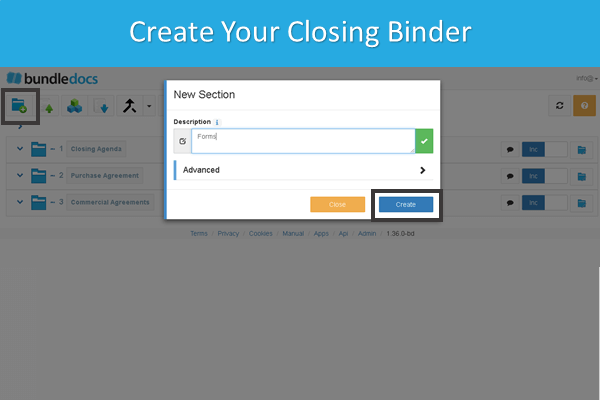
First let’s create and structure our family law bundle. You can create as many sections and sub-sections as you need.
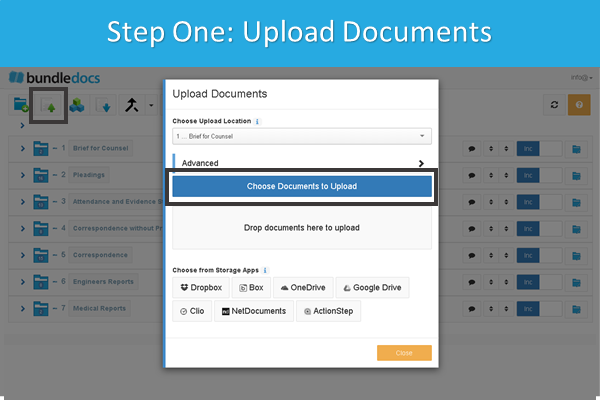
2. ADD DOCUMENTS TO YOUR BUNDLE
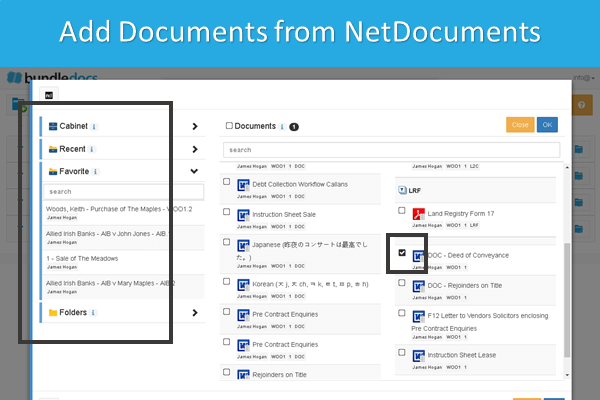
Now that we’ve created our bundle we are ready to add our documents. You can upload directly to each section from the uploads area. Remember, Bundledocs integrates with a range of world leading solutions to make uploading simple. Our integration partners include iManage, NetDocuments, Tikit TFB Partner for Windows, Dropbox, Clio and much more.
3. ORDER AND CUSTOMISE YOUR E-BUNDLE
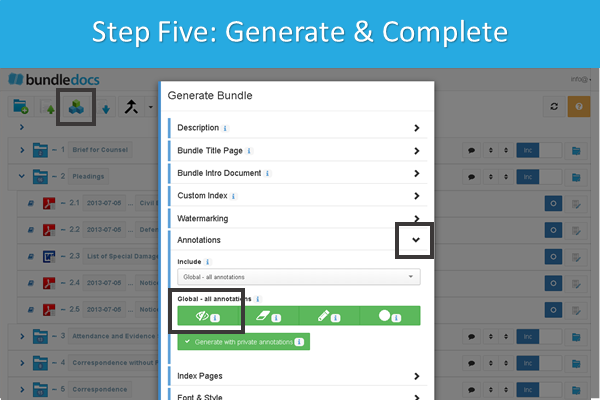
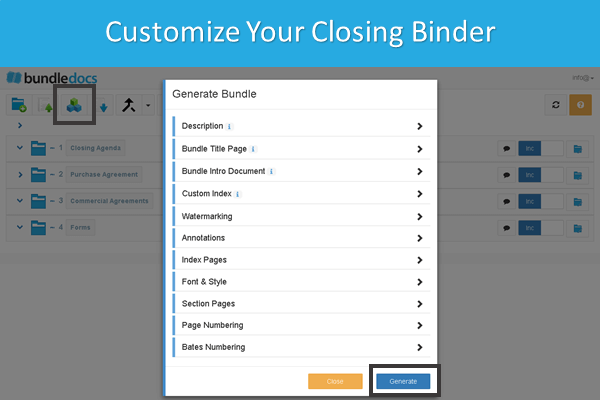
You can easily arrange and re-arrange files once their uploaded. Then when you’re ready to complete your bundle, all you need to do is hit the ‘Generate‘ button. There are a number of options you can apply to customise each version of your bundle - whether that’s changing the look of your cover page or index page; re-positioning page numbers, adding watermarks etc - you can do it all here.
4. DOWNLOAD YOUR FAMILY LAW BUNDLE INSTANTLY
Once you click the magic ‘Generate‘ Bundledocs will instantly merge all your files into a single PDF document. An index page is created that lists all your sections, document and corresponding page numbers. It’s hyperlinked too so if you are using it on your computer you can quickly navigate and get to the section/document with a single click. Each page of your bundle is paginated and numbered and did we mention that we automatically create bookmarks too?
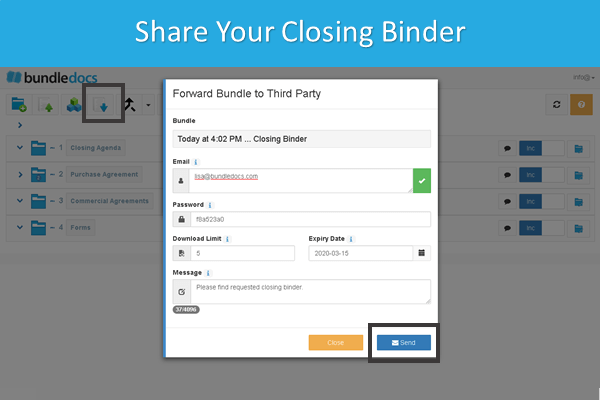
Your completed family law bundle is instantly available to download in PDF and this can be printed. Alternatively, if you would like to send the bundle on you can securely share directly from Bundledocs. Amazing!
One of the best things about Bundledocs electronic document bundling software is that making changes is so simple. Now you don’t have to wait until the last minute to prepare your family law ebundles. If you make a change (change the order, add additional documents, need to change the look and feel etc.) just click the ‘Save‘ button. This will automatically update everything - the index, bookmarks, links, page numbers. Say goodbye to document preparation stress!